Overview
This guide explains how to edit a single draft on Droopify before publishing it on eBay. The user will learn how to fully manage every aspect of the draft: updating core product details, choosing and applying templates, organizing images, setting specifications, and configuring automations. The process is simple and allows you to optimize drafts quickly and effectively.
How to Edit a Single Draft or Variant
After creating a draft on Droopify, you can edit its title, price, and other essential information before publishing it on eBay. This feature allows you to refine the details to increase sales potential.
To access draft editing, click the yellow pencil icon next to the desired draft. A pop-up will open, allowing you to update the details of the future listing.
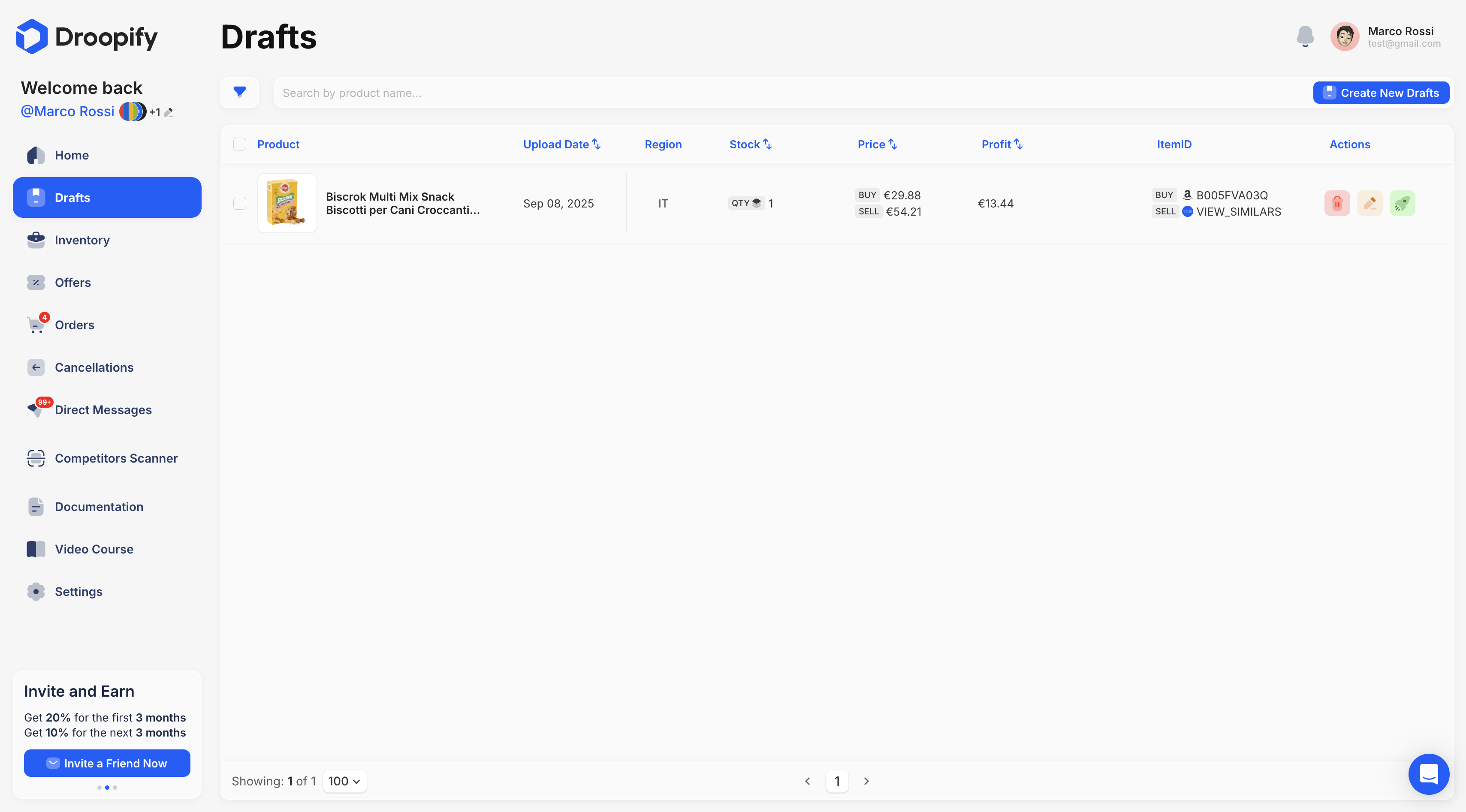
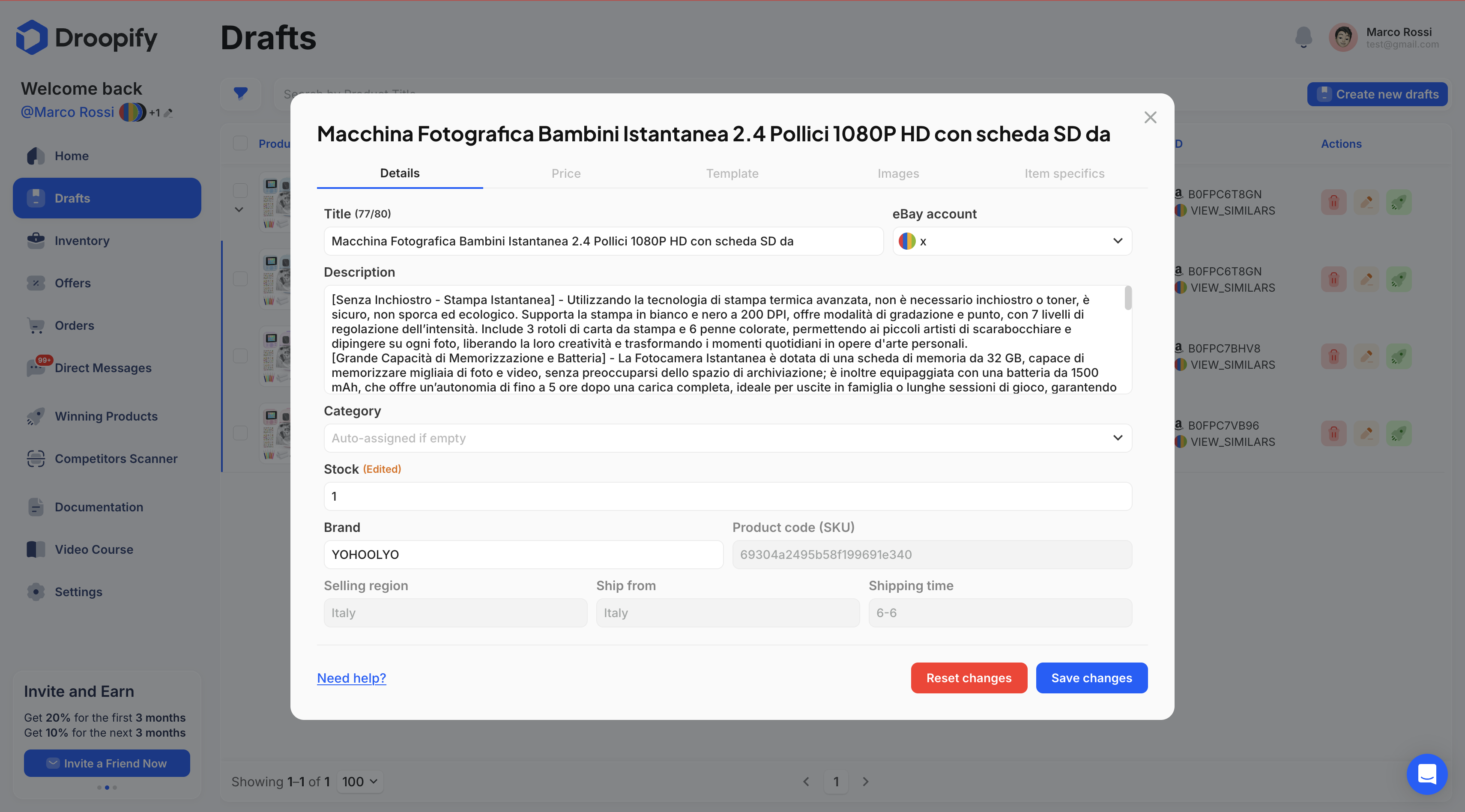
"Details" Section
This section contains the main draft fields and allows you to modify the most important aspects.
| Field | Editable | Description |
|---|---|---|
| Title | ✅ | eBay listing title (max 80 characters). |
| eBay Account | ✅ | eBay account used for publishing. If only one account is available, it is selected automatically. |
| Description | ✅ | Product description, displayed on eBay using an HTML template. |
| Category | ✅ | eBay category. If left empty, it will be calculated automatically. |
| Stock | ✅ | Available quantity, automatically updated after each sale. |
| Brand | ✅ | Product brand. |
| Product Code (SKU) | ❌ | Unique code that identifies the product (SKU). |
| Selling Region | ❌ | eBay region where the product will be published. |
| Ship from | ❌ | Product origin region (provided by the supplier, e.g. Amazon). |
| Shipping Time | ❌ | Shipping times calculated based on the supplier or on the settings provided in the "eBay Account" section. |
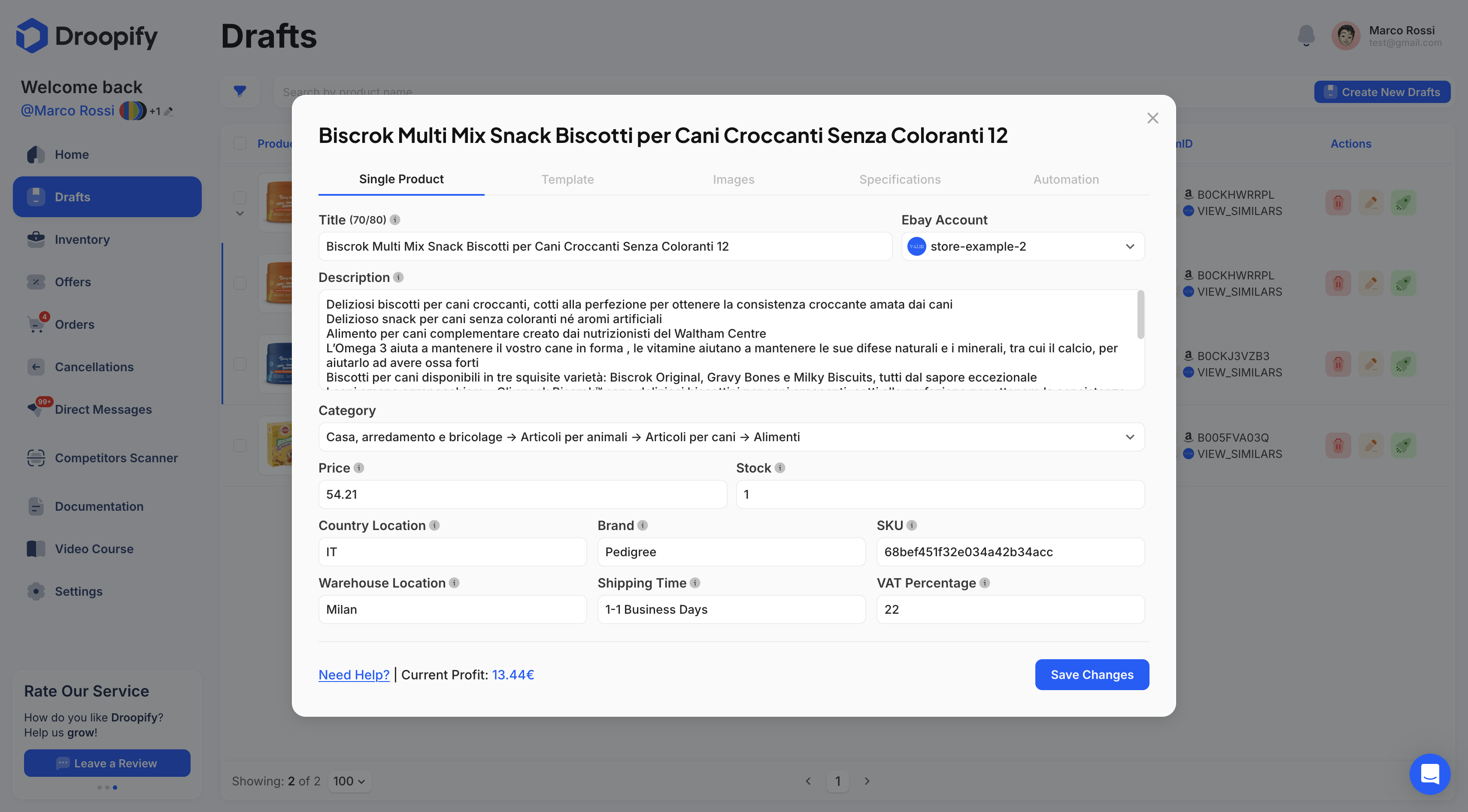
"Price" Section
This section allows you to modify price-related aspects.
- Use default profit percentages: By disabling this option, you can manually edit the fields listed below. The values set here will be used to adjust the selling price whenever the purchase price changes. The general values set in the "Prices and Availability" section of the eBay account will not be considered.
| Field | Editable | Description |
|---|---|---|
| Selling Price | ✅ | Selling price that will be shown on eBay. |
| Purchase Price | ❌ | Purchase price obtained from the supplier’s data. |
| Profit | ❌ | Automatically calculated value ({selling_price} - {purchase_price} - {eBay_fees}). |
| Variation Type | ✅ | Choose between Percentage (e.g. +30% on supplier net cost) or Fixed Amount (e.g. +€5). |
| Profit Percentage/Amount | ✅ | Set your markup. |
| Price Cents | ✅ | Product brand. |
| VAT | ✅ | VAT percentage. |
| eBay Fees | ❌ | Displays the fees you will pay to eBay in case of a sale. |
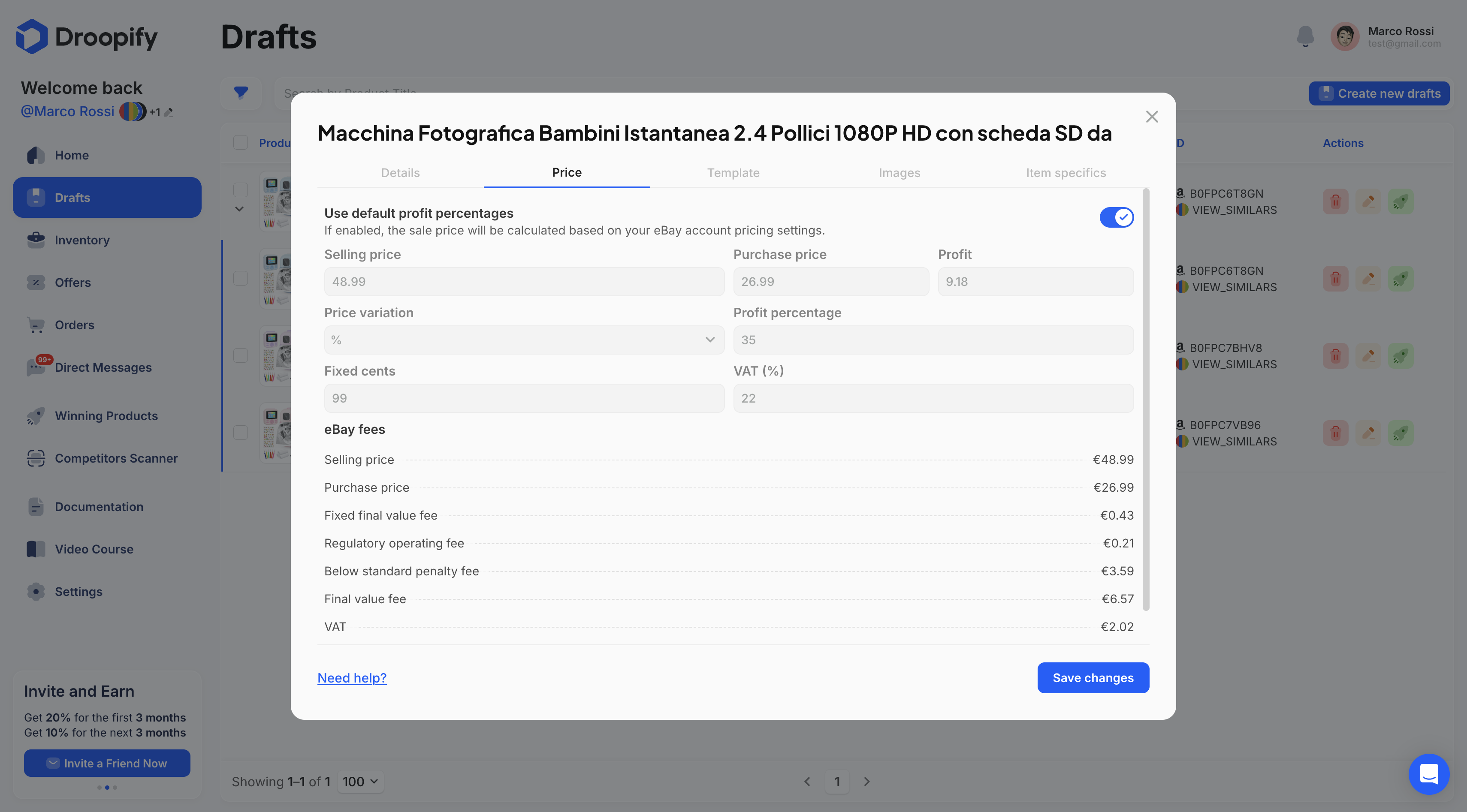
"Template" Section
In this section you can select the graphic template to apply to the listing. If not changed, the default template will be applied automatically.
| Field | Description |
|---|---|
| Template | Select a template you have created or imported. |
"Images" Section
Allows you to manage product images, remove them, or change their display order to optimize the listing’s appearance.
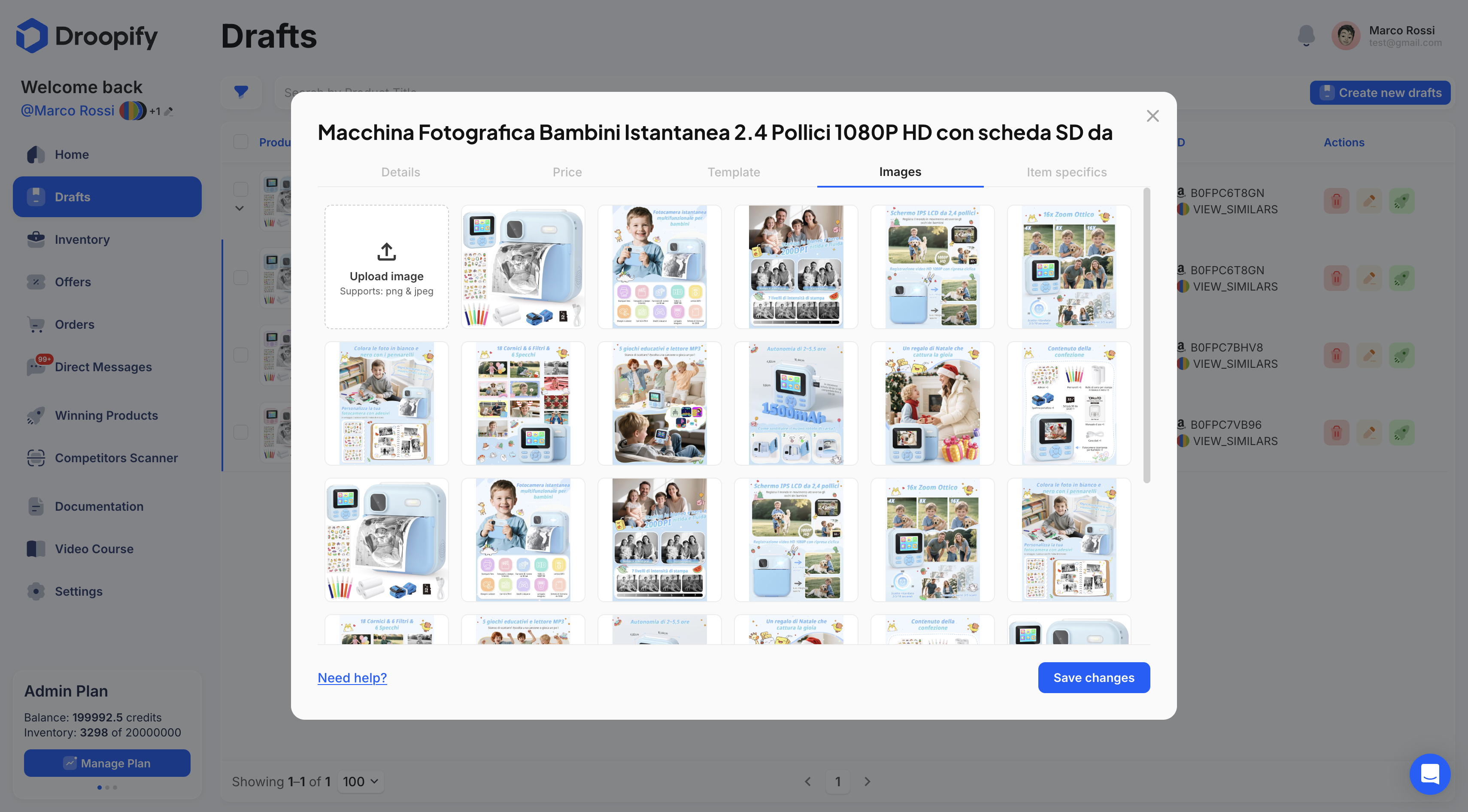
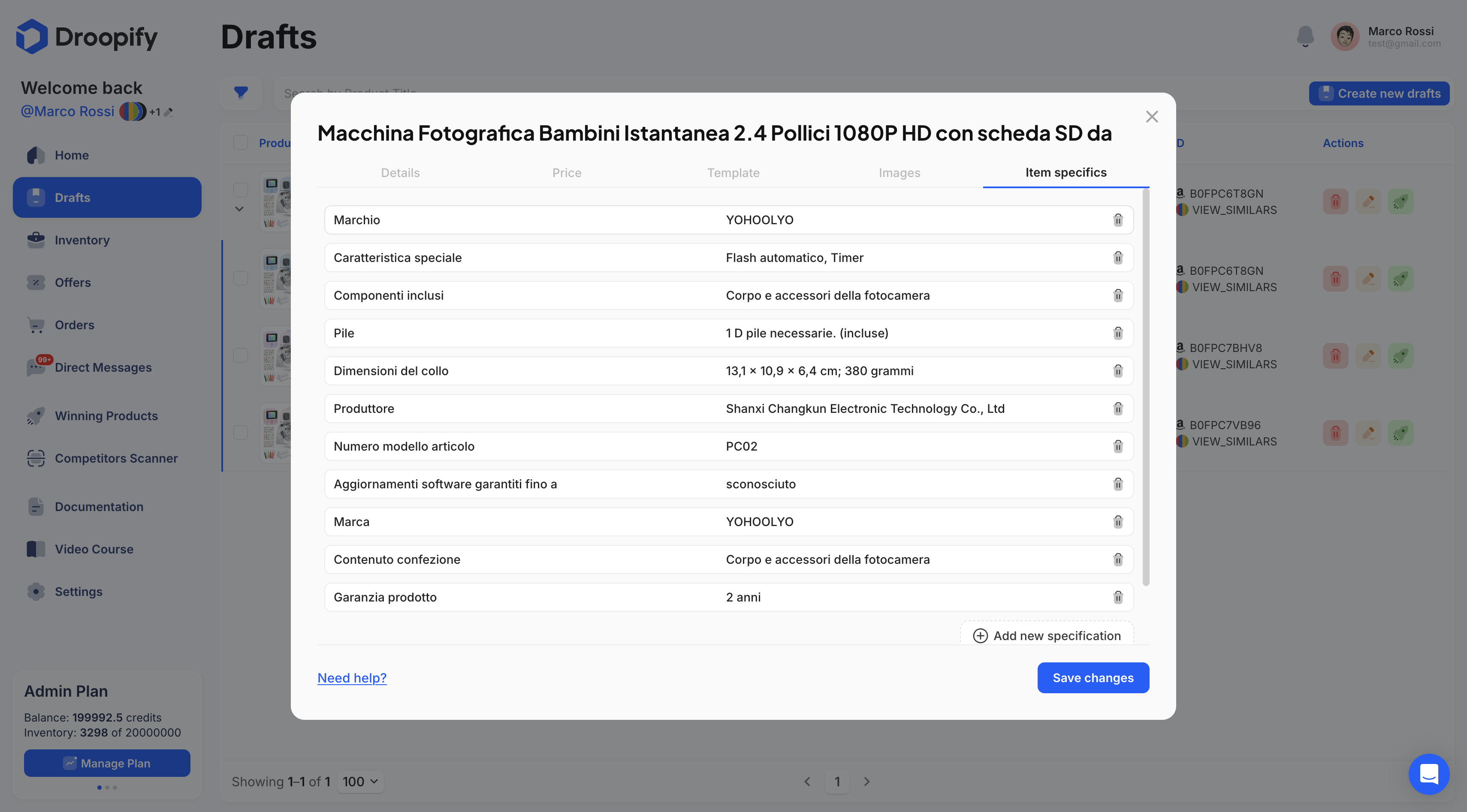
"Item Specifics" Section
Allows you to view and edit the product specifications imported from the supplier. It is recommended not to alter the original values, as they represent official information.
| Field | Description |
|---|---|
| Specifications | View and edit specifications imported from the supplier. |
How to Reset a Draft
When a draft field is modified, a yellow tag labeled "(Modified)" will appear next to it.
Additionally, a red "Reset" button will appear next to the "Save Changes" button. Clicking it will restore the listing to the general default settings.
Conclusion
By following the steps described in this guide, you can edit and optimize your drafts on Droopify, preparing them accurately and effectively for publication on eBay.